CurrIQunet
Santa Barbara City College uses the curriculum software currIQunet to manage and process curriculum.
If you need assistance please contact:
Kaylene Thomas, Lead Curriculum Coordinator
Email: kmthomas3@sbcc.edu
Erica Ramirez, Curriculum Technician
Email: eramirez69@sbcc.edu
- Click here for currIQunet
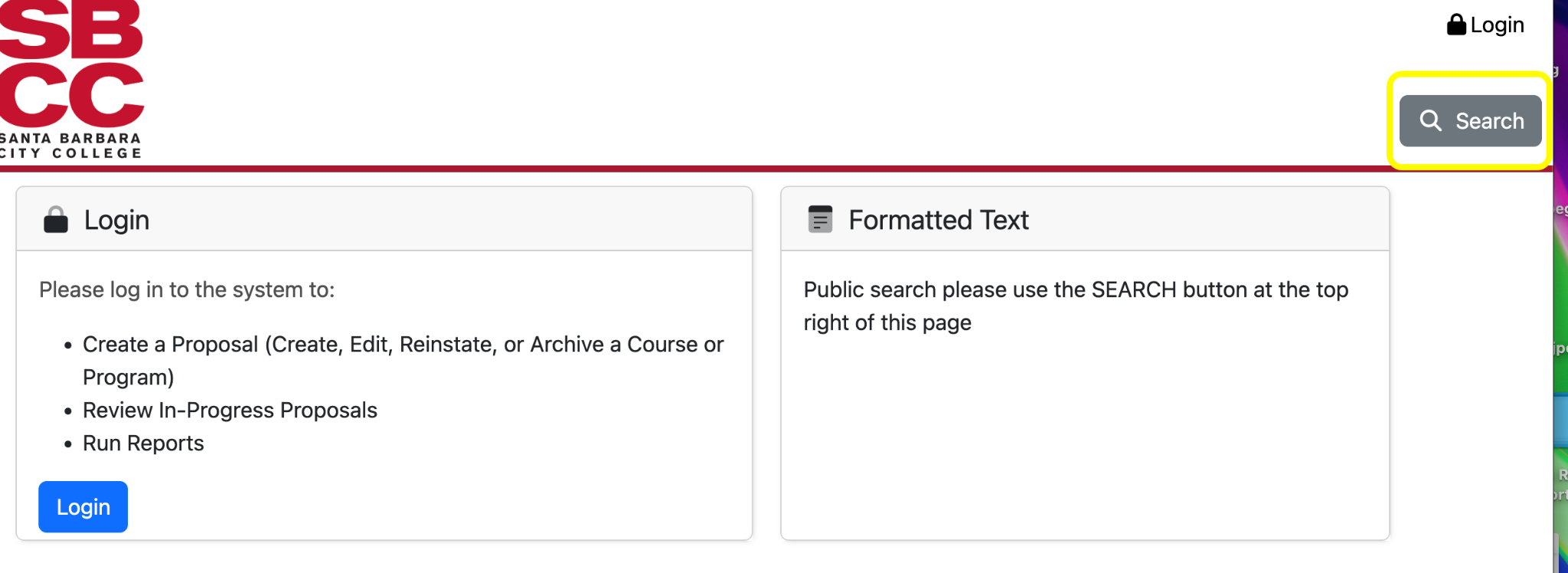
You don't login - you click the search button (yellow box)
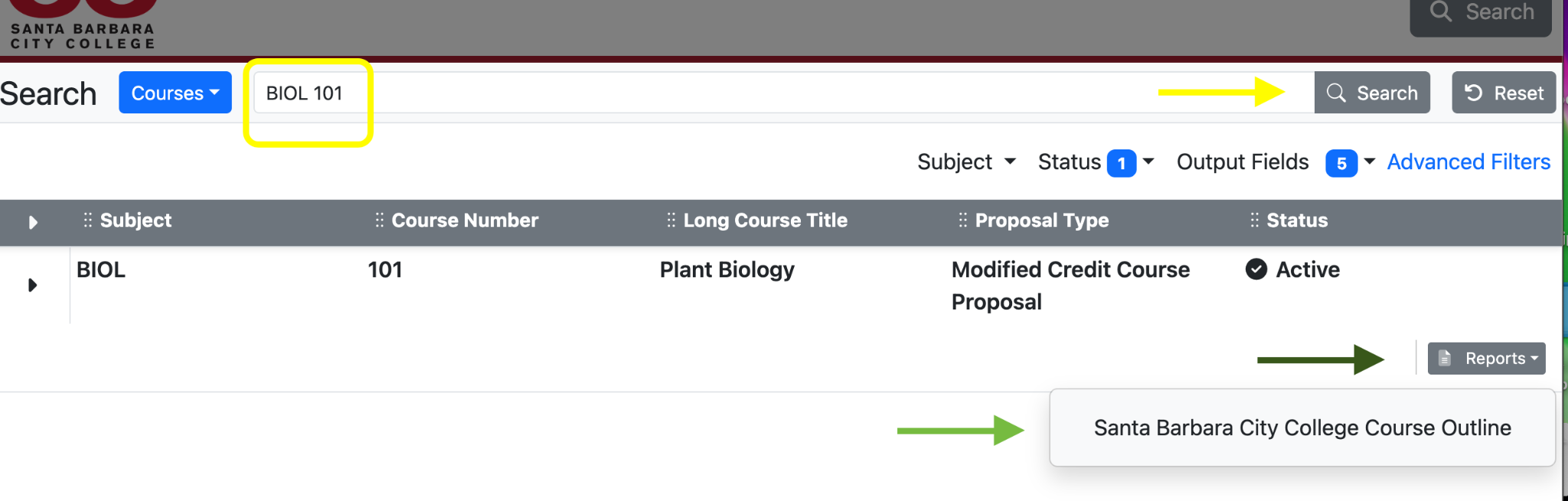
- Type the course in the search bar (yellow box)
- Click the search button (yellow arrow)
- Once the course comes up click the Reports button (dark green arrow)
- Click the Santa Barbara City College Course Outline button. That is the COR (light green arrow)
- Remember some courses have been renumbered for Common Course Numbering
TO GET THE SYLLABUS, you have to ask your instructors or go to Canvas.
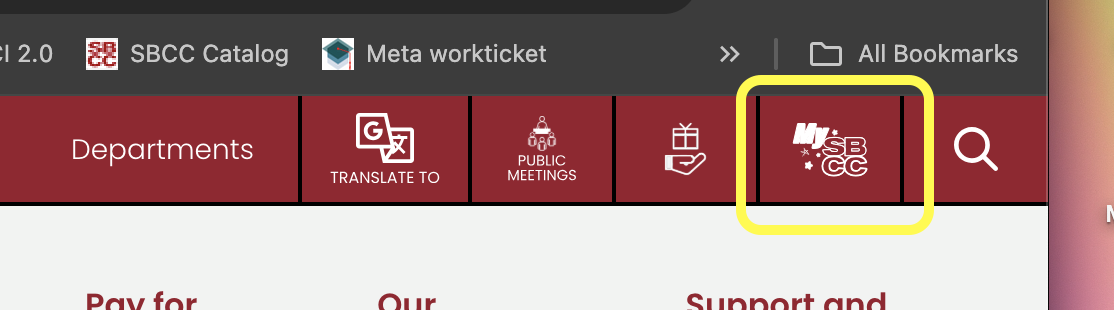
If you log into your MySBCC pipeline account you can access old Canvas courses (at SBCC.edu)
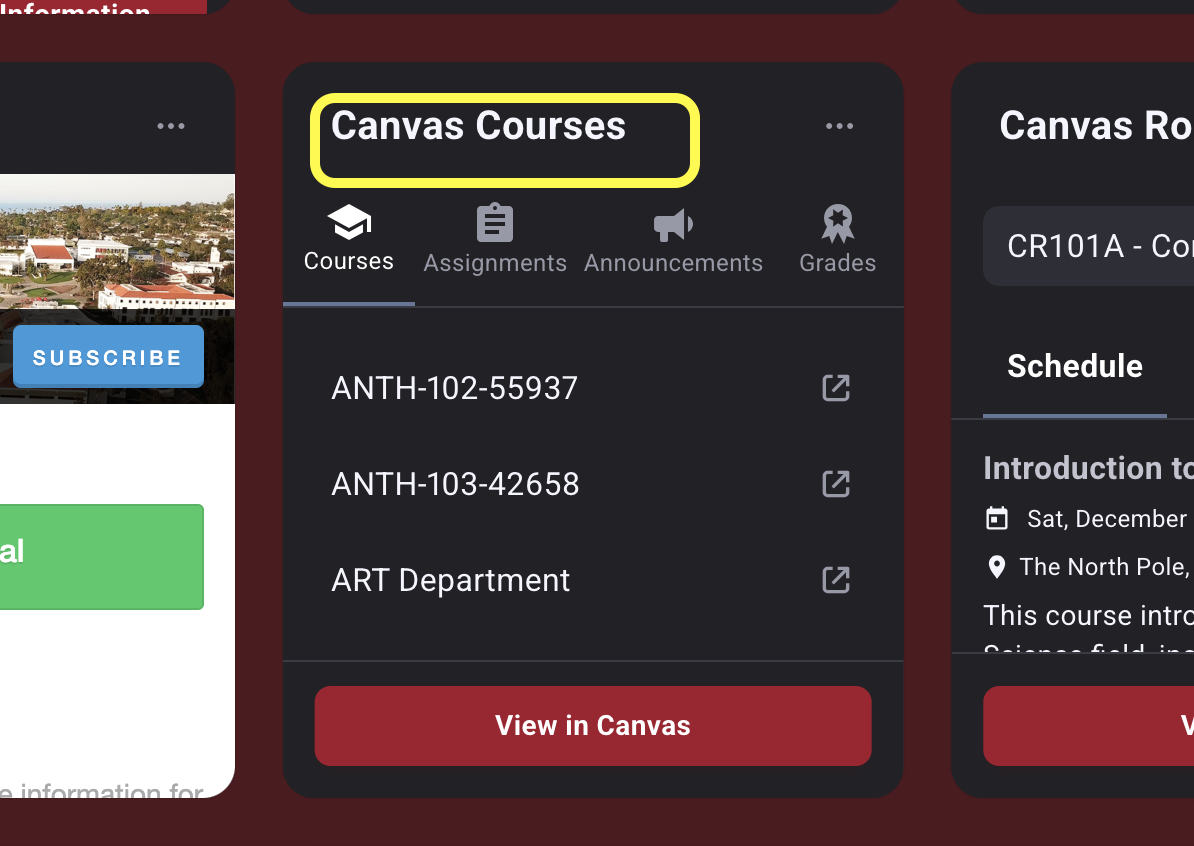
Scroll down until you find Canvas Courses. You can open up the old courses and search for the syllabus.